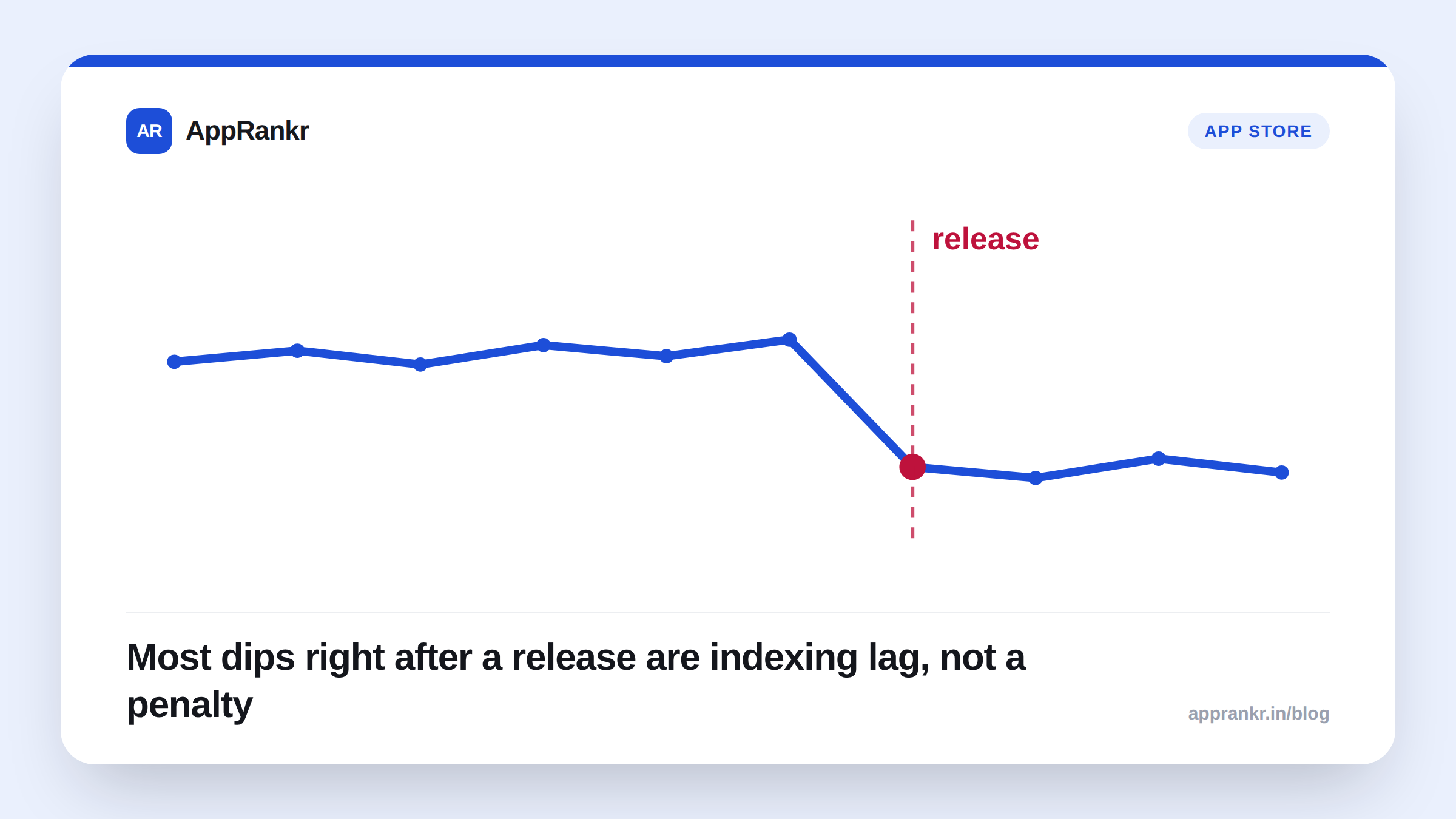
Shipping an update and watching your rank move in the wrong direction the same week feels causal, and sometimes it is, but a post-update drop has its own short list of likely causes, distinct from the general rank-drop checklist. Check these first before assuming the release itself was the problem.
Update-specific causes to rule out, in order
| Check first | What it looks like | Why it happens |
|---|---|---|
| Indexing lag | Rank looks unchanged or worse for the first day, then moves | The store hasn’t finished processing your new metadata yet |
| Phased rollout | Rank is noisy or flat while only some users have the build | Signal is blended across old and new versions until rollout completes |
| A crash or ANR regression | A real, sustained drop starting within a day of release | The new build introduced a quality-signal problem |
| An accidental keyword removal | A drop specific to one or two keywords, not a broad decline | Title, subtitle, or description text changed and dropped a term you ranked for |
| Lost custom listing / experiment | A drop that lines up with an experiment ending, not the update | A running store-listing experiment or custom listing wasn’t carried over |
Give indexing lag its actual window before reacting
Google Play usually re-indexes new metadata within a few hours to a day. Apple’s process can run longer, especially if the build sat in review or a phased release is active. A rank check taken an hour after you hit “release” is checking a listing the store may not have fully processed yet. Wait at least a full day, ideally two, before treating any movement as meaningful.
Phased rollouts blend signal from two versions at once
If you’re rolling out gradually, most of your install base and review signal may still be on the previous build while the store treats the app as “updated.” Any quality regression in the new version is diluted by however much of your audience hasn’t received it yet, which can make a real problem look smaller than it is, or a rank check taken mid-rollout look noisier than it should. Judge a release’s ranking impact only after rollout reaches 100%.
Then check the same quality signals as any other drop
If neither indexing lag nor rollout timing explains it, the update itself may have introduced a regression. Check crash rate and ANR rate for a spike starting right after the release date. This is the single most common real cause behind a post-update drop: a new build genuinely made the app less stable, and the store’s quality-vitals thresholds responded to it.
Real-world scenario: A team shipped a routine update on a Tuesday and by Thursday their top keyword had fallen four positions. The instinct was to roll back immediately. A quick check of Android vitals showed crash rate had roughly doubled since the release, tied to a dependency bump in the new build. The fix wasn’t a rollback, it was a hotfix for the specific crash, shipped Friday. Rank recovered within a few days once the hotfix’s rollout completed, faster than a full rollback-and-redo cycle would have taken.
What to actually do, in order
- Wait for full rollout and at least 24-48 hours of indexing time before drawing any conclusion from post-update rank movement.
- Check crash rate and ANR rate for a spike starting at the release date, the most common real cause of a post-update drop.
- Diff your new listing text against the previous version to confirm you didn’t drop a keyword-bearing phrase from the title, subtitle, or description.
- Confirm any running store-listing experiment or custom listing carried over, since experiments and custom listings can silently end or reset around a release.
- Log the release date as an annotation against your rank trend so this timeline check is a lookup next time, not a scramble. A tracker that lets you mark release dates turns “did the update cause this” into something you can answer in seconds.
A drop right after an update is worth investigating, but it isn’t automatically the update’s fault. Rule out indexing lag and rollout timing first, check the same quality signals you’d check for any drop, and only then consider the release itself the cause.