Google Play’s Store Listing Experiments (see our guide to running them) get referenced constantly in ASO advice. Apple’s equivalent gets mentioned far less, despite being a genuinely different tool with its own rules. If you ship on both platforms and assume the same testing playbook works on both, this is one of the places it breaks down.
What Product Page Optimization actually tests
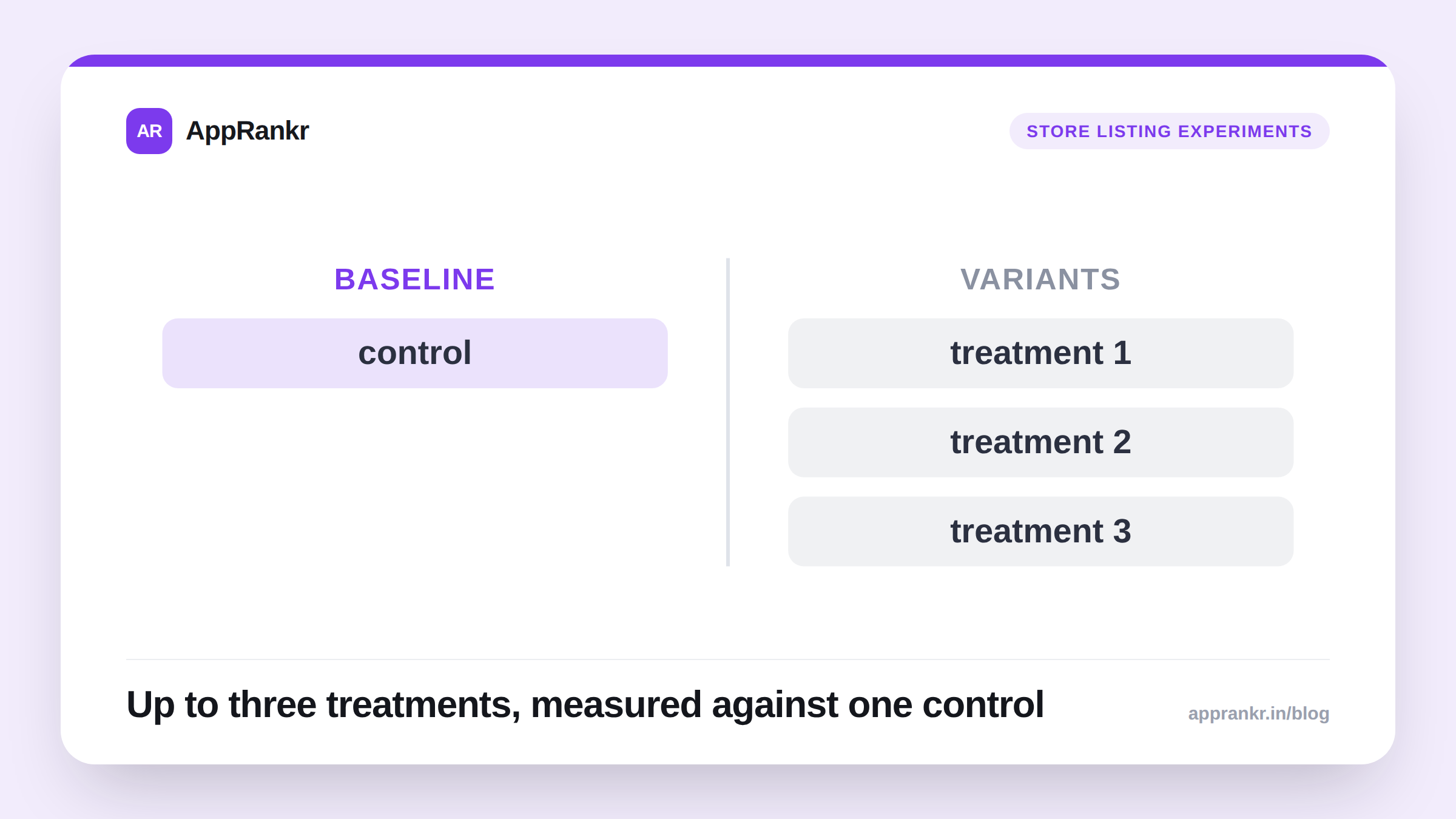
App Store Connect’s Product Page Optimization (PPO) lets you create up to three alternate treatments of your product page and run them against your current live version as the control. The testable elements are:
- App icon
- Screenshots
- App previews (video)
That’s the full list. Text fields (app name, subtitle, promotional text, description) are not part of Product Page Optimization at all. This is the single biggest practical difference from Google Play’s version, which can test the short description alongside visuals.
| Google Play (Store Listing Experiments) | Apple (Product Page Optimization) | |
|---|---|---|
| Icon | Testable | Testable |
| Screenshots | Testable | Testable |
| Video / app preview | Not part of the standard experiment tool | Testable |
| Short description / text | Testable | Not testable |
| Number of variants | Test against current listing | Up to 3 treatments vs. current |
| Where to find it | Play Console → Store presence → Store listing experiments | App Store Connect → App Store tab → Product Page Optimization |
Product Page Optimization vs. Custom Product Pages: don’t confuse these
Apple has a second, entirely separate feature with a very similar name: Custom Product Pages (up to 35 per app), which let you build alternate listings and point specific tracked URLs at them, a campaign landing page, a partner’s referral link, a specific ad set. This is Apple’s counterpart to Google Play’s Custom Store Listings (see our piece on those), not to Store Listing Experiments.
The distinction matters because the two features answer different questions:
- Product Page Optimization answers “which version converts better for my general audience?”, a true experiment with a control and a winner.
- Custom Product Pages answers “what should this specific audience see?”, no testing involved, you’re just choosing content for a known segment.
Confusing the two leads to one common mistake: building several Custom Product Pages hoping App Store Connect will tell you which one “wins.” It won’t. That’s not what the feature does. If you want a real A/B test, that’s Product Page Optimization specifically.
Real-world scenario: A budgeting app built three Custom Product Pages for three different ad campaigns, each with campaign-matched screenshots, and separately ran a Product Page Optimization test on their default icon, unrelated to those campaigns. The Custom Product Pages were never meant to “compete” against each other; each one simply served its own campaign’s traffic. The icon test was the only place a real winner got selected and rolled out to everyone.
What to actually do about it
- Use Product Page Optimization for questions about your general audience: is this icon or screenshot set genuinely better for the typical person who lands on your page.
- Use Custom Product Pages for known, distinct segments (a specific campaign, partner, or country) where you already know the content should differ, and you’re not trying to find a universal winner.
- Don’t expect a text-copy lift from PPO. If your hypothesis is about wording (a different value proposition in the description, a reworked subtitle) that has to be tested manually (ship a change, watch conversion over a few weeks, revert if it doesn’t help) since there’s no built-in A/B tool for it on iOS the way there partially is on Android.
- Run tests long enough to trust them. The same discipline that applies to reading Google Play’s experiment results (don’t call a winner from an early lead) applies here too; App Store Connect’s own significance indicator is the number to wait for, not a fixed day count.
If you’re running both platforms, treat this as one more item on the iOS vs Android divergence list: Google gives you one experiment tool that covers visuals and text; Apple splits the same territory into two distinct tools, neither of which touches your copy.